
Levirge DevOps · plugin
Redis / Valkey
Monitor, browse and edit Redis or Valkey behind a firewall through the outbound devops-client, without opening a port to the server.
Levirge DevOps is in private testing, with no public devops-client download yet.
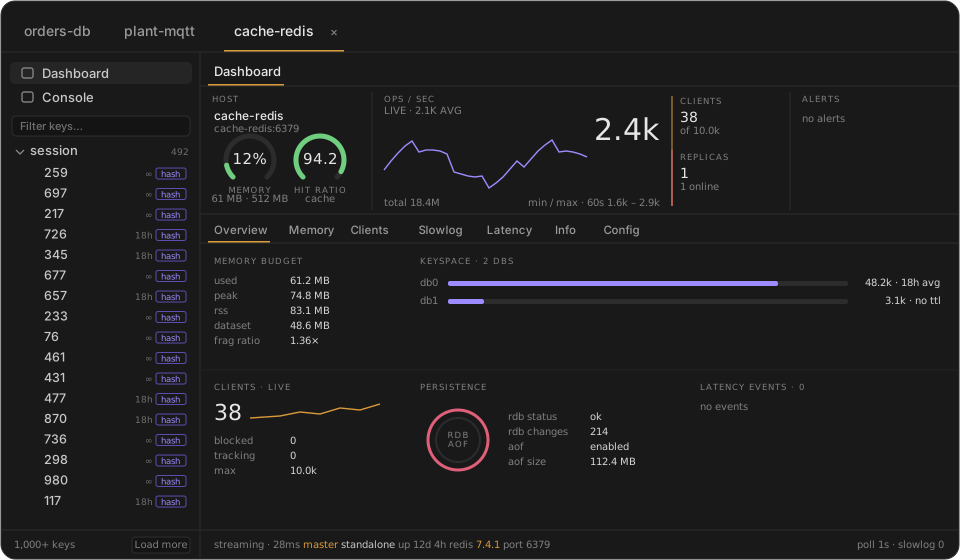
Illustrative mock-up with made-up data, not a screenshot.
Features
- Dashboard with memory, clients, operations and replication
- Console for Redis commands
- Key tree with a pattern and type filter
- View and edit values of every key type, and delete keys
- See a key's TTL, encoding and memory use
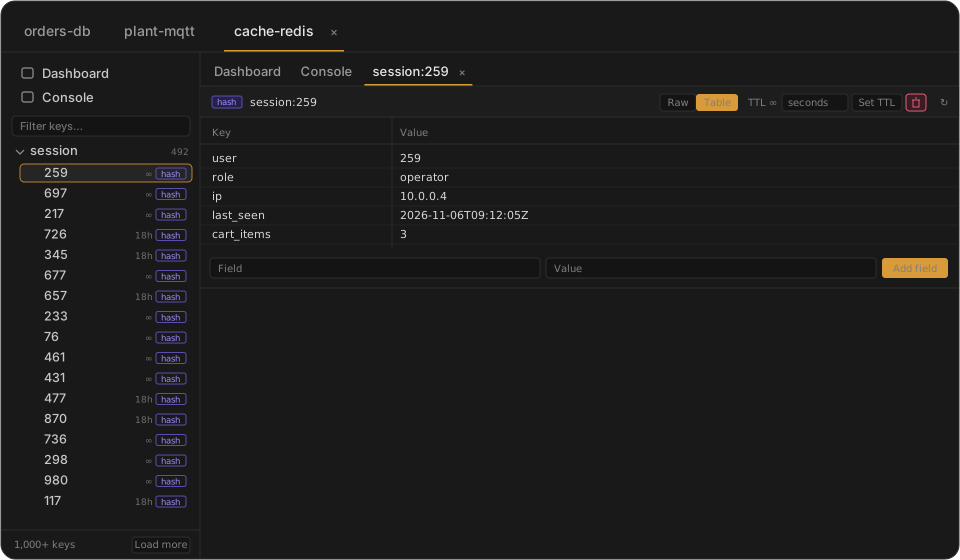
Illustrative mock-up with made-up data, not a screenshot.
For AI agents (MCP)
Connect Claude or another MCP client to Levirge DevOps and the agent can work with this plugin directly.
find_connectionfinds the right connection by name or type.get_redis_schemareturns a keyspace summary and server metadata, also offered as a cacheable MCP resource.redis_commandruns a command. Reads work for every role; writes need a role that allows them.- The
redis_memory_analysisprompt has the agent review keyspace spread, large keys, eviction policy and fragmentation. - Changes an agent makes are recorded in the audit log as assistant actions.
Capabilities
- Keys load with paginated
SCAN, neverKEYS, so large databases don't block. - The value viewer covers strings, hashes, lists, sets, sorted sets and streams.
- Works with Redis and Valkey.
- Writes from the web UI ask for an authenticator code first.
- Connects to standalone and Sentinel setups devops-client can reach.
- Passwords stay in devops-client's environment on your machine.
Limits
- Cluster mode isn't supported.
- Authentication is by password; ACL usernames can't be set yet.
- Refused for now:
EVAL_RO,EVALSHA_RO,FCALL_RO, blocking commands,MULTI,SUBSCRIBE,MONITORandSELECT. CONFIG GETreplies and client peer addresses are redacted.