
Levirge DevOps · plugin
SQLite
Query SQLite database files behind a firewall through the outbound devops-client, with saved queries, query history and an audit log.
Levirge DevOps is in private testing, with no public devops-client download yet.
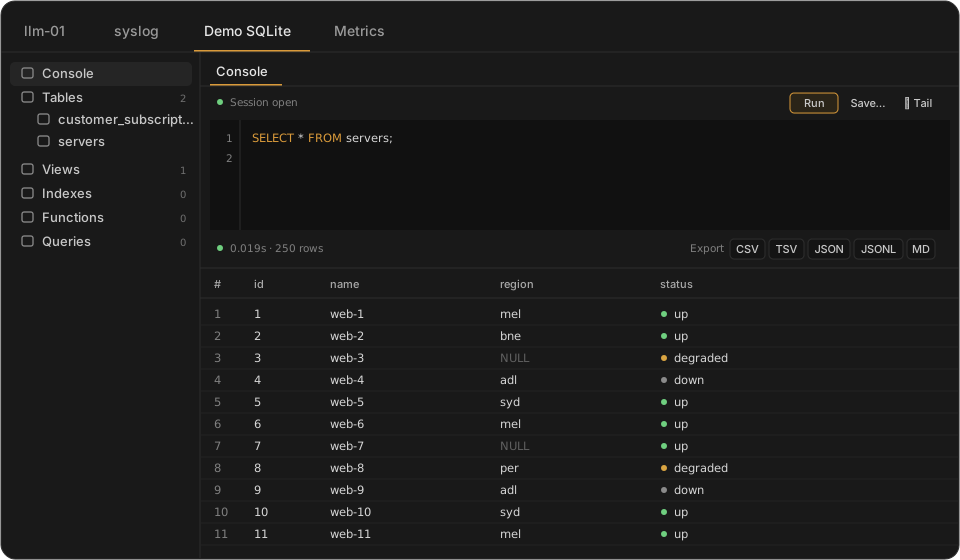
Illustrative mock-up with made-up data, not a screenshot.
Features
- Connect to a database file on a remote machine
- Run SQL queries
- Save and recall queries
- Query history, per connection
- Audit log of queries
- Browse tables and columns
- View a table's DDL
- Export results as CSV, TSV, JSON, JSONL or Markdown
For AI agents (MCP)
Connect Claude or another MCP client to Levirge DevOps and the agent can work with this plugin directly.
find_connectionfinds the right connection by name or type.get_sql_schemareturns tables and columns. The schema is also offered as an MCP resource, so clients can cache it.run_queryruns SQL and pages through large results. Reads work for every role; writes need a role that allows them, and the reply flags any statement that changed data.list_saved_queriesreturns your saved queries, ready to run.get_audit_logreads the audit log, for admins and owners.- Changes an agent makes are recorded in the audit log as assistant actions.
Capabilities
- Connects to SQLite files on the machine where devops-client runs.
- WAL-mode databases are supported.
- Each database file is its own connection in the sidebar.
- Blob values are shown as
0x…hex strings.
Limits
- The user devops-client runs as must be able to read the database file.
- One statement per query: multi-statement SQL returns an error.
- Exports cover the rows already fetched, so add a
LIMITfor large tables. - Files over 2 GB can be slow on unindexed full-table scans.
- Databases held under an exclusive lock may show stale reads during concurrent writes.